APSGO LOGO
Combination
x1
Total Price:
View Cart
No APPS available
Cart
HomeOverviewTeraCopy Pro Windows Enhanced File Copy and Mobility Management Tool Software
TeraCopy Pro Windows Enhanced File Copy and Mobility Management Tool Software
-35% OFF!
TeraCopy Pro Windows Enhanced File Copy and Mobility Management Tool Software截图TeraCopy Pro Windows Enhanced File Copy and Mobility Management Tool Software截图TeraCopy Pro Windows Enhanced File Copy and Mobility Management Tool Software截图TeraCopy Pro Windows Enhanced File Copy and Mobility Management Tool Software截图TeraCopy Pro Windows Enhanced File Copy and Mobility Management Tool Software截图TeraCopy Pro Windows Enhanced File Copy and Mobility Management Tool Software截图TeraCopy Pro Windows Enhanced File Copy and Mobility Management Tool Software截图TeraCopy Pro Windows Enhanced File Copy and Mobility Management Tool Software截图
上一个下一个
Download
TeraCopy Pro Windows Enhanced File Copy and Mobility Management Tool Software Australia
TeraCopy is a TeraCopy tool suitable for Windows systems, allowing you to copy files faster and more securely! Enhance the file copying and moving capabilities of Windows systems to simplify file management tasks.
QTY:
Single User + Direct Folders Pro
* Purchase this specification to receive the following gifts : ( Buy 1 or more items and the offer is valid until stock lasts )
Note: In seckill, once sold out, the original price will be restored!
Hurry! Limited-time offer ends soon!
Currently available last items
Preview of seckill, event price: CNY
The inventory available for seckill is items
Retail Price
Specifications
Not Selected
Group Buying
There is currently no Group Buying available, please open a group
{{ item.spec_desc }}
{{ item.user.nickname }} In {{ item.created_at }} Start Still need {{ item.left_count }}xPending Group Buying, some users have not paid
Join

Activity Rules

1、Activity time:{{ info.groupon.start_at }} ~ {{ info.groupon.end_at }}。

1、Activity time:cease when sold out。

2、Validity period of the Group Buying:{{ info.groupon.expire_days * 24 }} hours。

3、Number of Group Buying:{{ info.groupon.need_count }}x。

Please Pay Attention

1、Teamwork process: Join/initiate a Group Buying and make a successful payment - Within the validity period, the number of team members meets the activity requirements - Group Buying succeeded!

2、If the number of participants cannot be met within the valid period, the group will fail, and the paid amount will be refunded in the original way.

3、The number of people required and the time of the event may vary among different products. Please pay attention to the rules of the event.

{{ item }} ({{ app.qa.questionsData.total }})

TeraCopy enhances the basic file copying and moving capabilities of Windows systems to simplify file management tasks and tools


Everything is in control


If a copy error occurs, TeraCopy will simply skip the problematic file without terminating the entire transfer. It will also wait for the network or device to reconnect. You can manually skip unnecessary files to reduce transfer time. After the transfer, you can easily retry only failed or skipped files.


automation


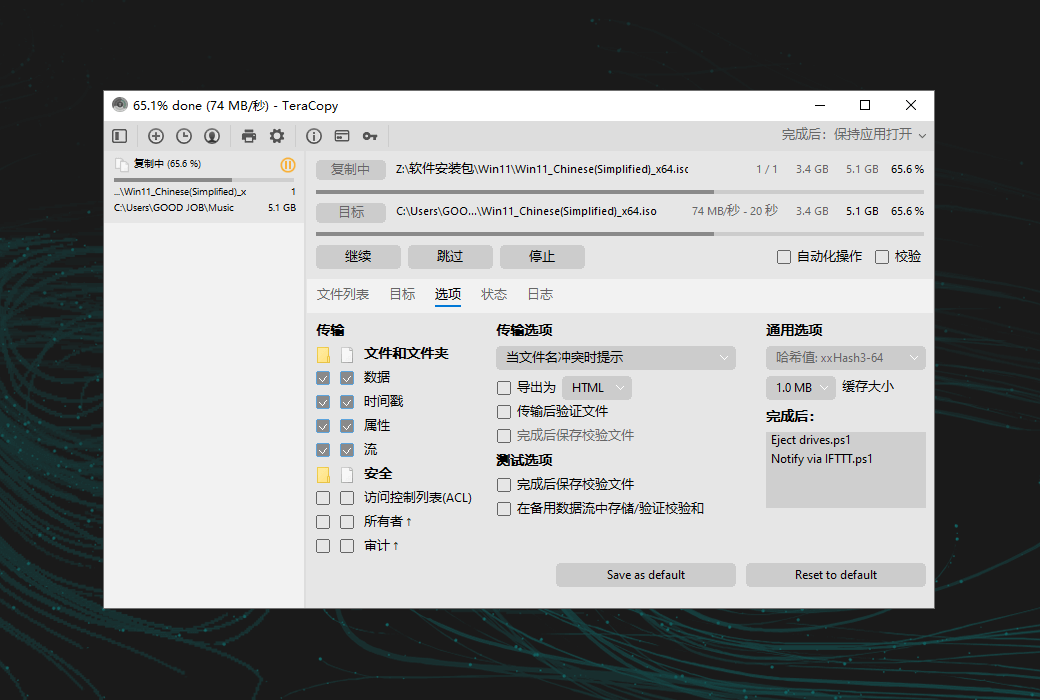
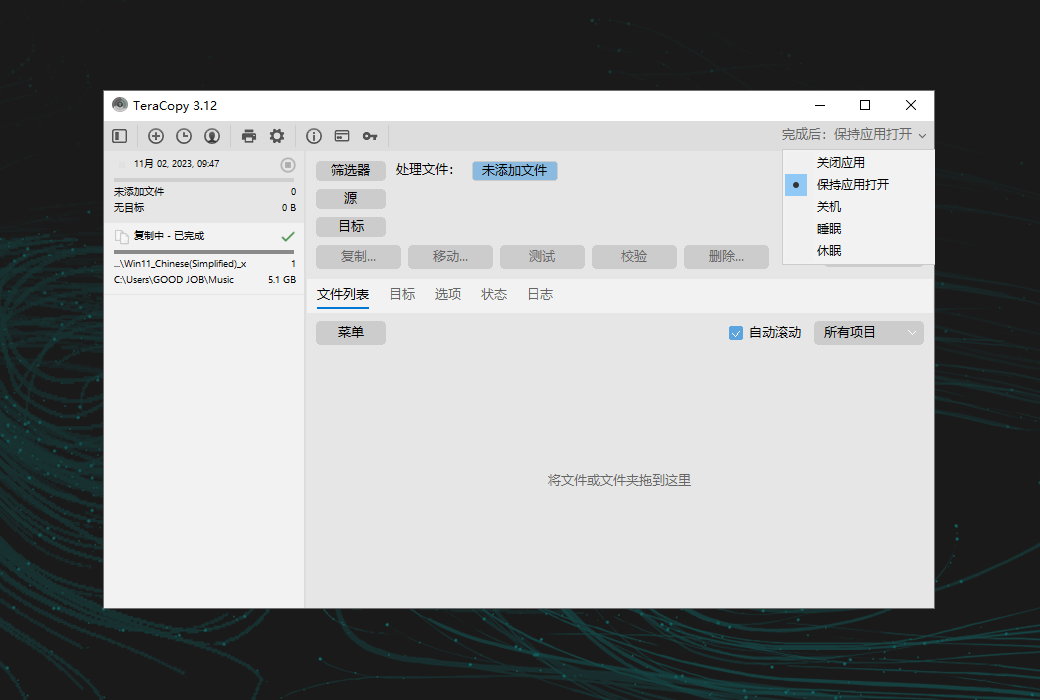
You can proactively handle file name conflicts, and in unattended transmission, TeraCopy enables the "skip all" mode to prevent interruption. It can also verify file integrity, generate reports and checksum files, and automatically run PowerShell scripts upon completion.


File validation


TeraCopy supports 17 checksum algorithms (over 50 variants), including CRC32, MD5, SHA1, BLAKE3, xxHash3, etc., to verify file integrity. It can verify whether the target file is the same as the source file, and can also generate or verify checksum files.


Interactive File List


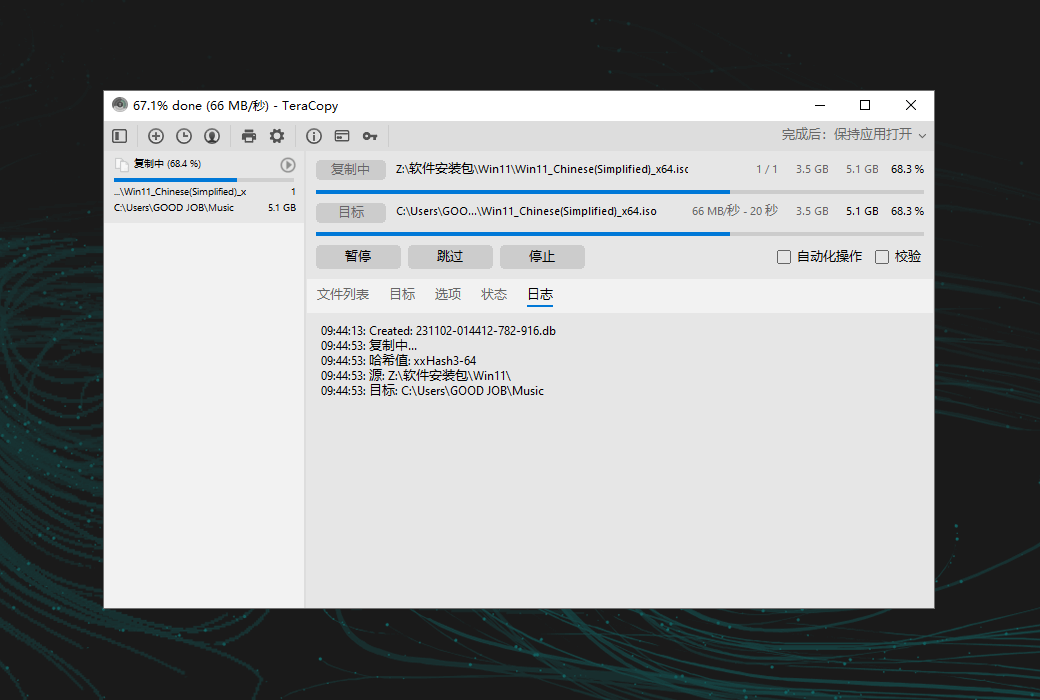
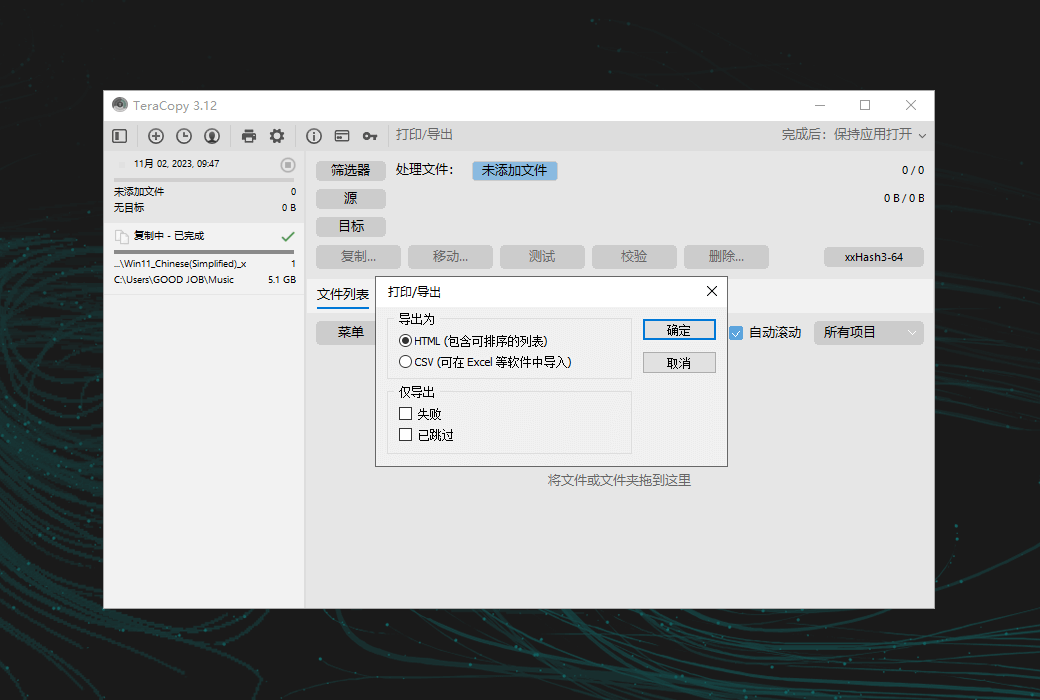
In TeraCopy, the file list doubles as a log file, displaying the file name, size, source and destination checksums, as well as any issues encountered throughout the process. TeraCopy Pro allows file list editing and automatic application of ignore lists, allowing unnecessary files to be skipped.


Task queues and history


TeraCopy allows you to queue multiple file transfer operations, ensuring that they are executed one after another, rather than initiating multiple transfers simultaneously. In addition, TeraCopy will keep a list of all tasks and their associated files for a few days so that they can be viewed in the future for troubleshooting or reference requirements.


Transmission status


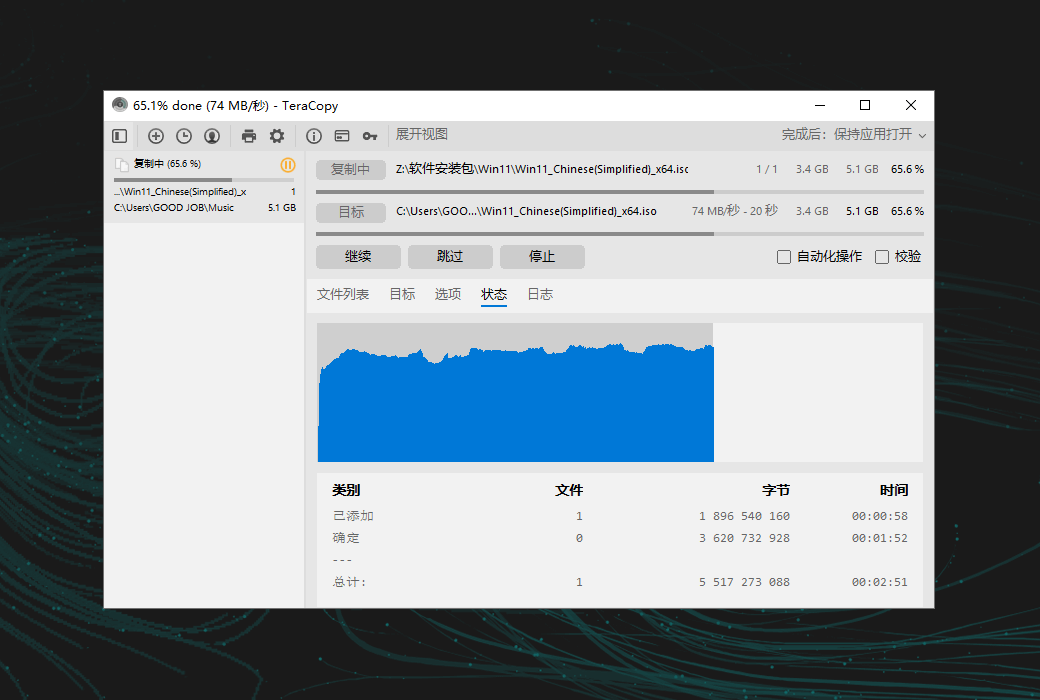
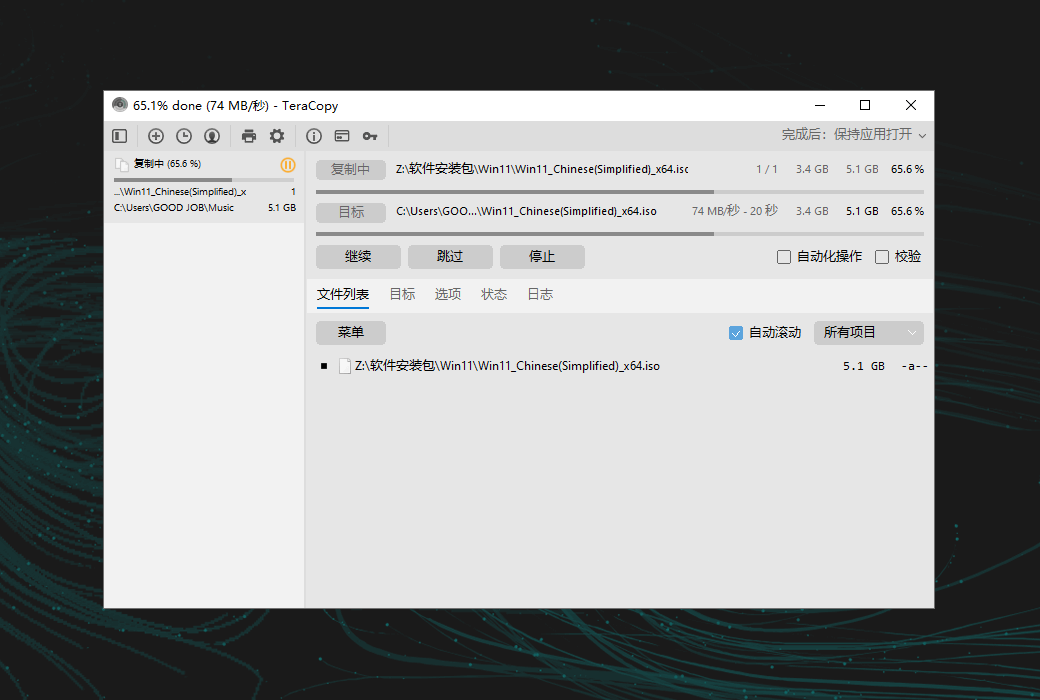
TeraCopy provides comprehensive information about transfer progress, including speed maps, number of skipped or failed files, average speed, and remaining time to complete.


metadata


TeraCopy provides extensive configurability, allowing you to choose specific metadata to replicate, such as timestamps, streams, and permissions. For example, you can choose to copy only the folder structure or apply only timestamps to customize the file transfer process according to your specific requirements.


Locked files


TeraCopy simplifies the replication of locked files by leveraging enhanced Windows services and shadow copies. This way, even when processing files that are in use or locked by other processes, smooth and efficient transmission can be achieved.


Shell integration


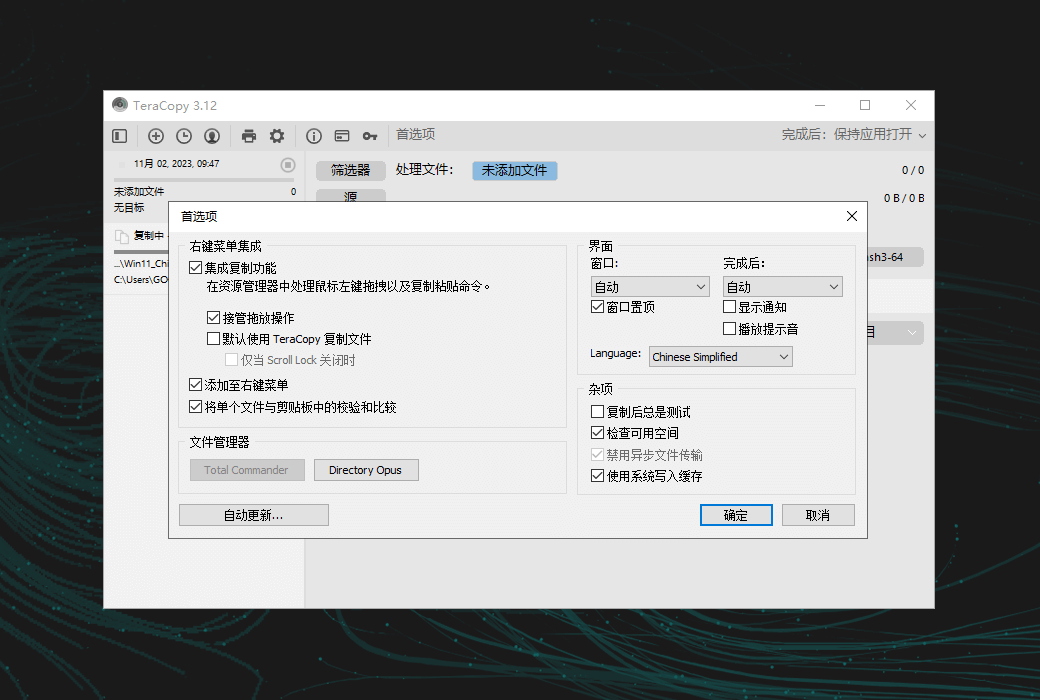
TeraCopy seamlessly replaces the copy and move functions in the resource manager, allowing you to process files as usual. It also provides the option to display a confirmation dialog box for each drag and drop operation to prevent folders from accidentally moving between locations.


Faster workflow


TeraCopy can easily track recently used directories and display open folders in Explorer and other file managers for easy reference. TeraCopy's Professional Edition allows you to save any folder as a favorite, making it quick and easy to access when needed.

TeraCopy Pro Windows Enhanced File Copy and Mobility Management Tool Software LOGO

官方网站:https://codesector.com/teracopy

下载中心:https://teracopy.apsgo.cn

发货时间:24 小时自动发货

运行平台:Windows

界面语言:支持中文界面显示,多语言可选。

更新说明:厂商承诺一次购买,终身更新使用。

买前试用:购前可免费试用。

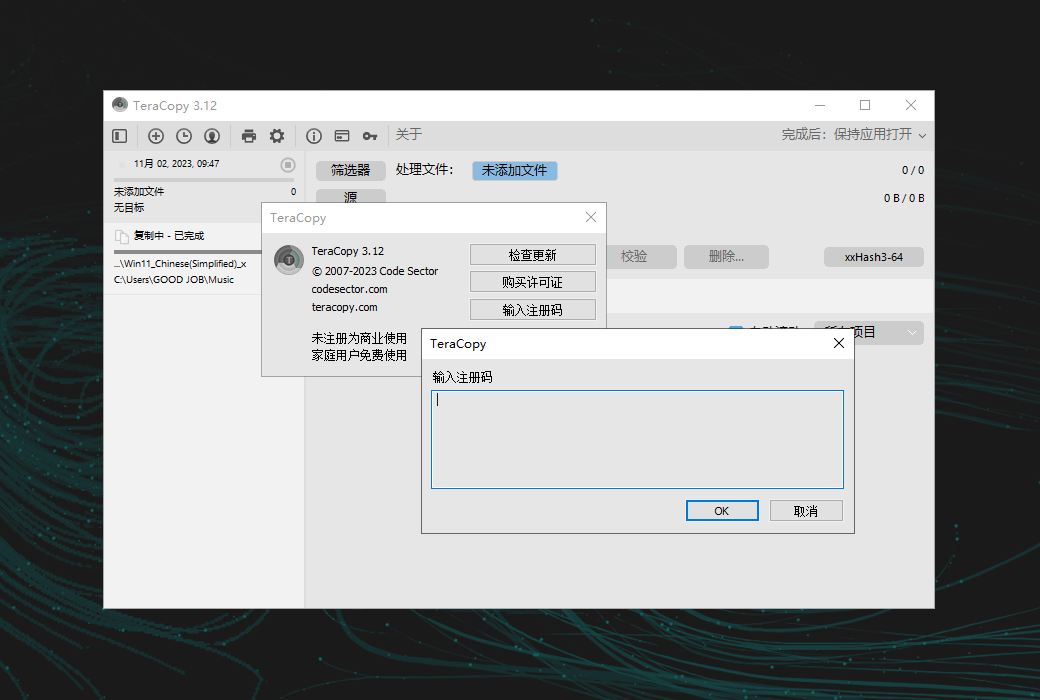
如何收货:购买后,激活信息会以邮件的形式发送到下单时的邮箱,同时可在个人中心,我的订单中查看对应的产品激活码。

设备数量:可安装 2 台电脑。

更换电脑:原电脑卸载,新电脑激活。

激活引导:待添加。

特殊说明:待添加。

参考资料:https://help.codesector.com/knowledge-bases/41-getting-started

Any question

Submit
Ask a question
All FAQ Activate Tutorial DefaultNewest